Management
The EA's Command Center
Less email. More leverage. Everything at your fingertips.
Your EA is managing five portals, three email threads, and a spreadsheet — for every single flight. Different operators, different processes, different systems. The coordination burden falls on one person.
FlightWiseOS gives your team one consistent workflow across every operator and every flight. Passenger details, ancillary services, itineraries, boarding passes — all in one place, no matter who you fly with.
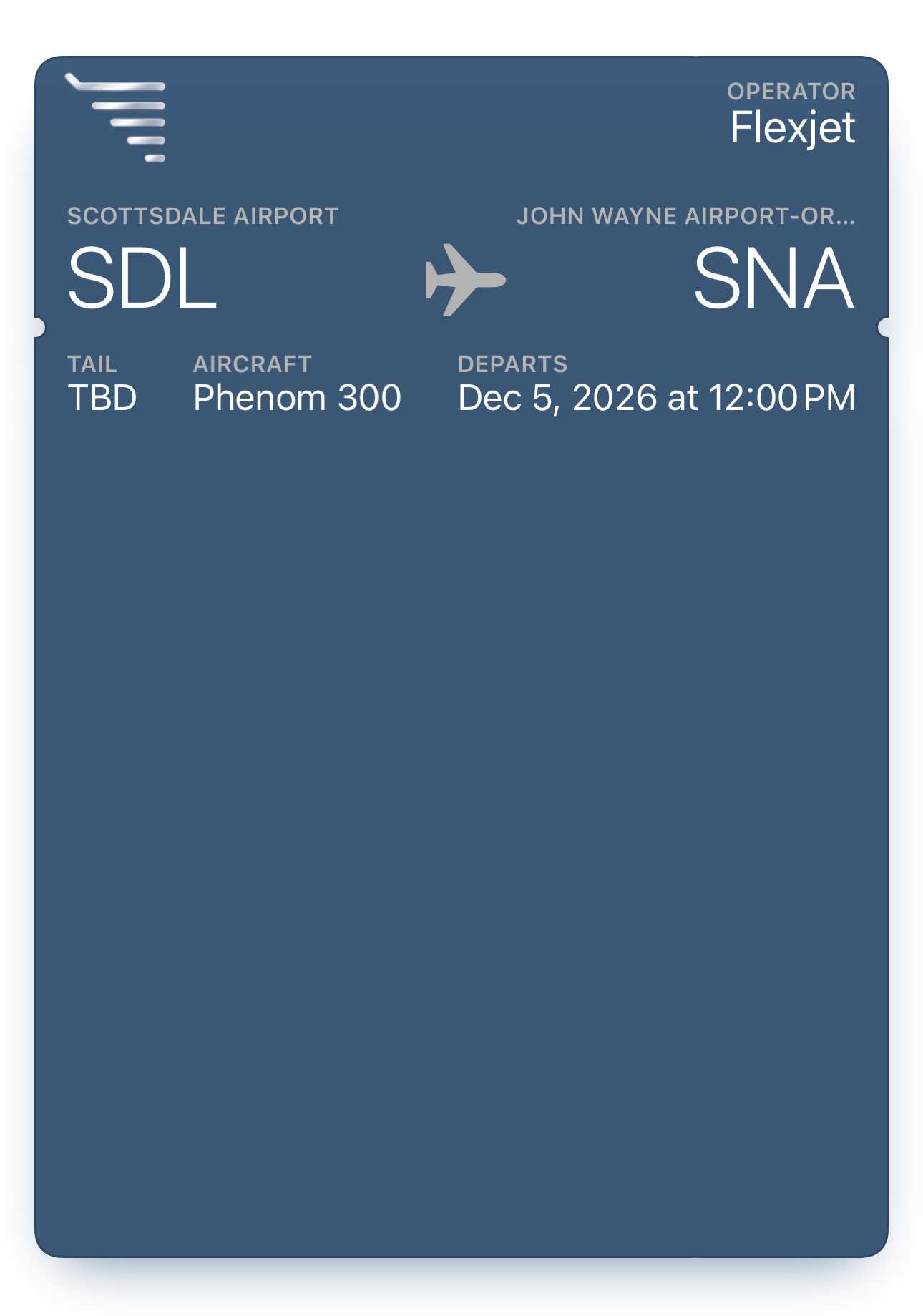
Flight Details at a Glance
Every flight presented as a clean, structured card — routing, aircraft, operator, departure time, and status. One view that works the same across every provider.
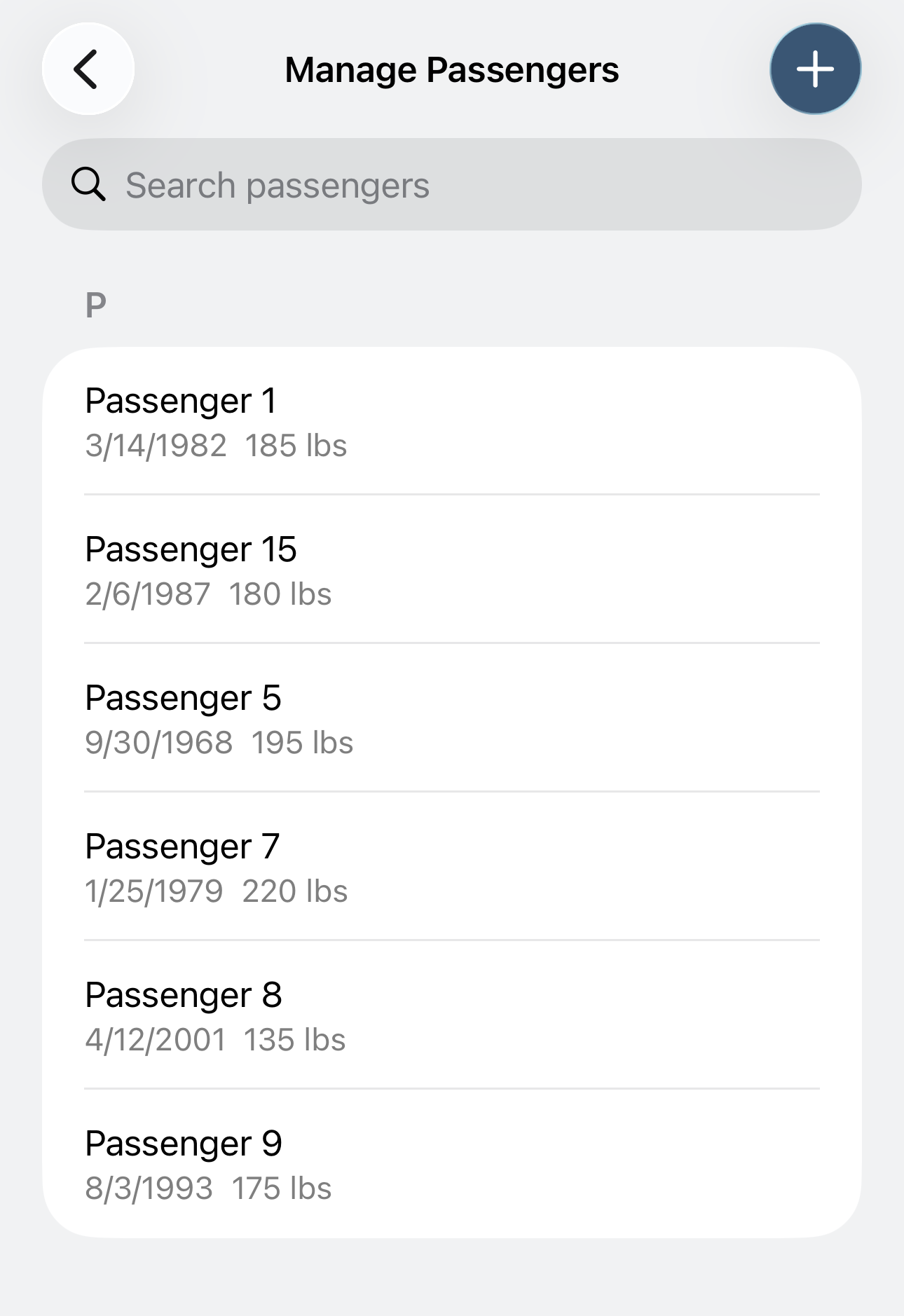
Passenger Management
Search, add, and manage passengers across all flights. Profiles with IDs, DOB, and weight — entered once, used everywhere.
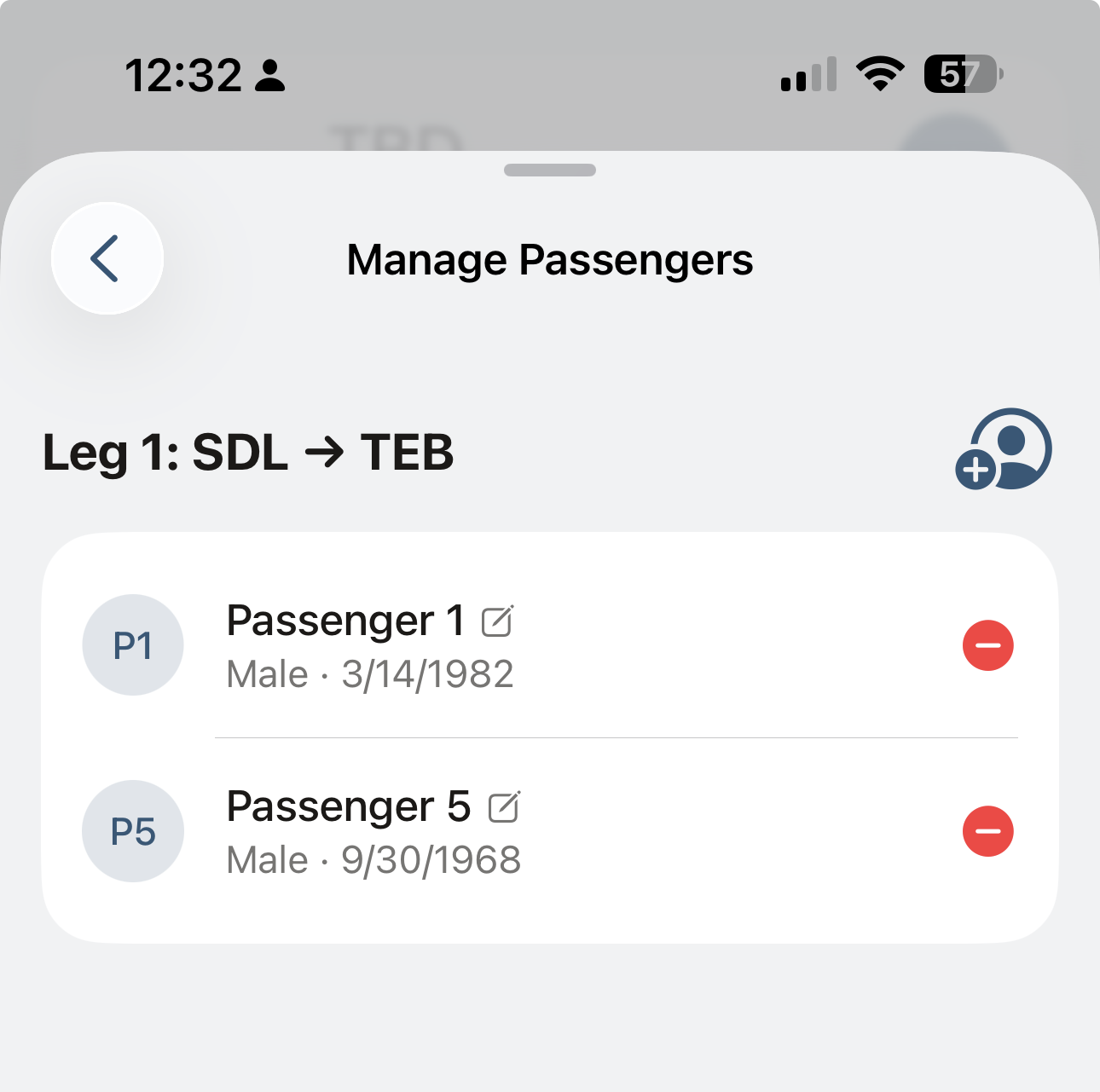
Per-Leg Passenger Assignment
Assign passengers to individual legs with one tap. Multi-leg trips with different manifests — handled cleanly without separate emails to each operator.
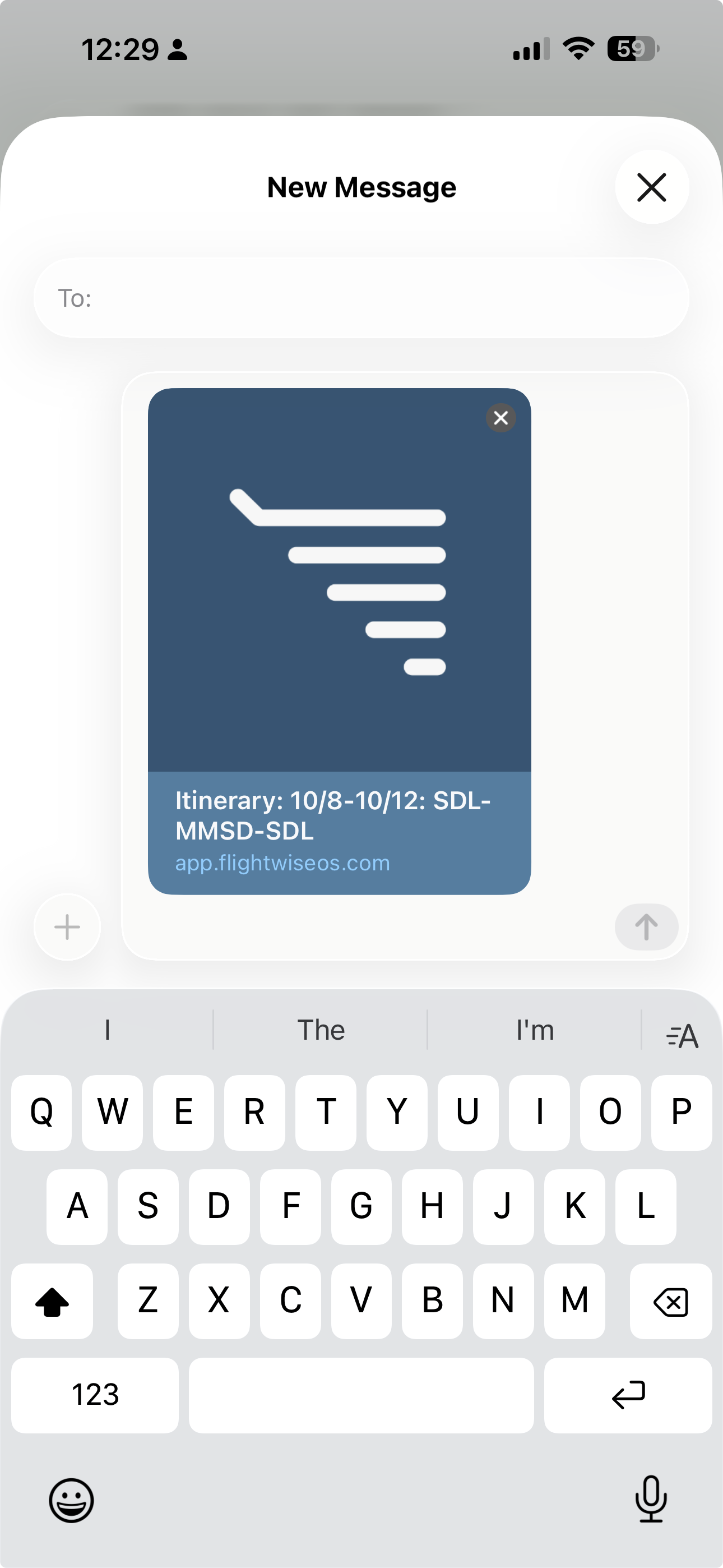
Itinerary Sharing
Share a complete itinerary to any passenger via iMessage, text, or link — one tap. Routing, timing, FBO details — all in a clean, branded format.
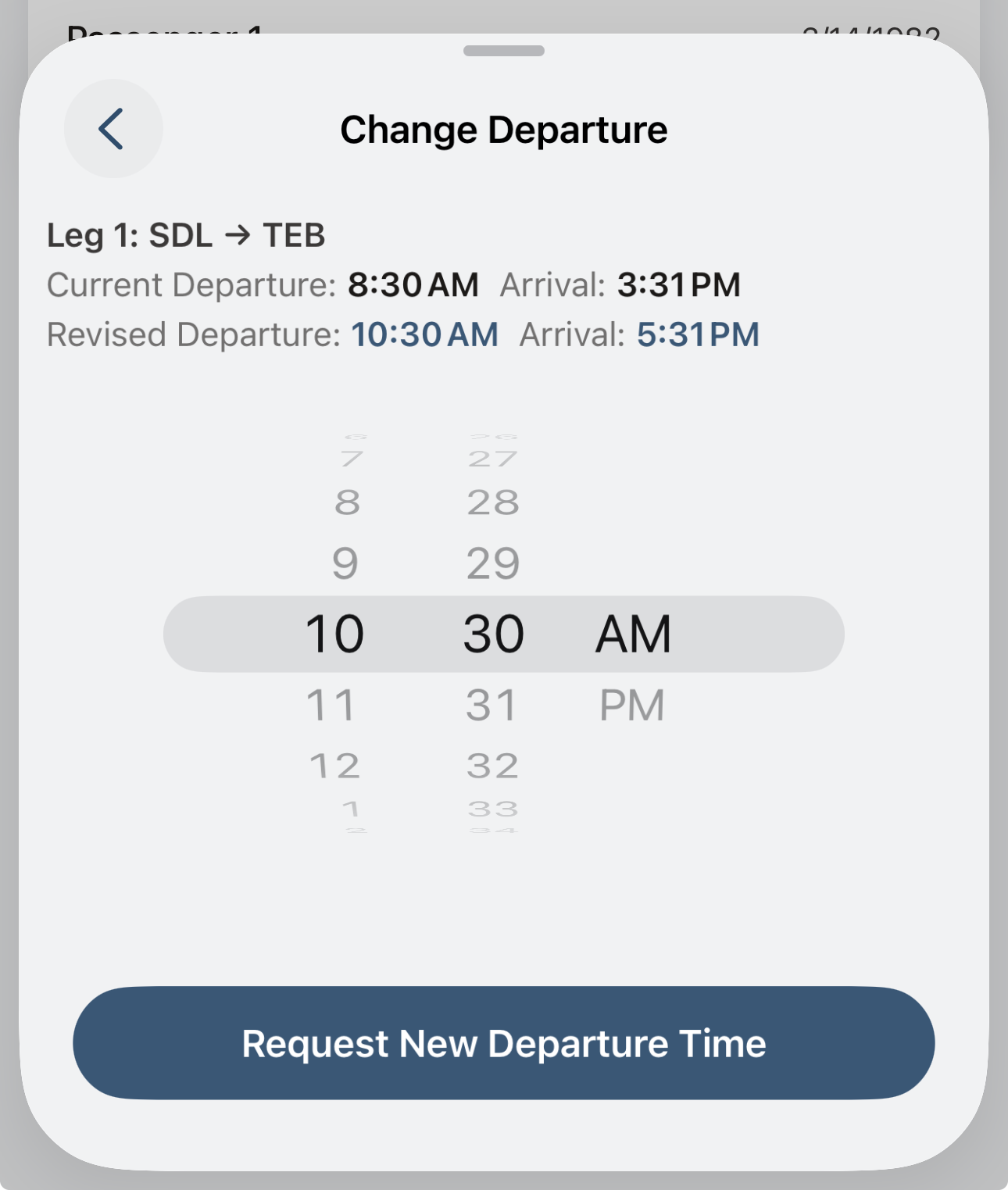
Change Departure Time
Request a new departure time directly from the app. Current and revised timing side by side — submit the request and your ops team handles the coordination.
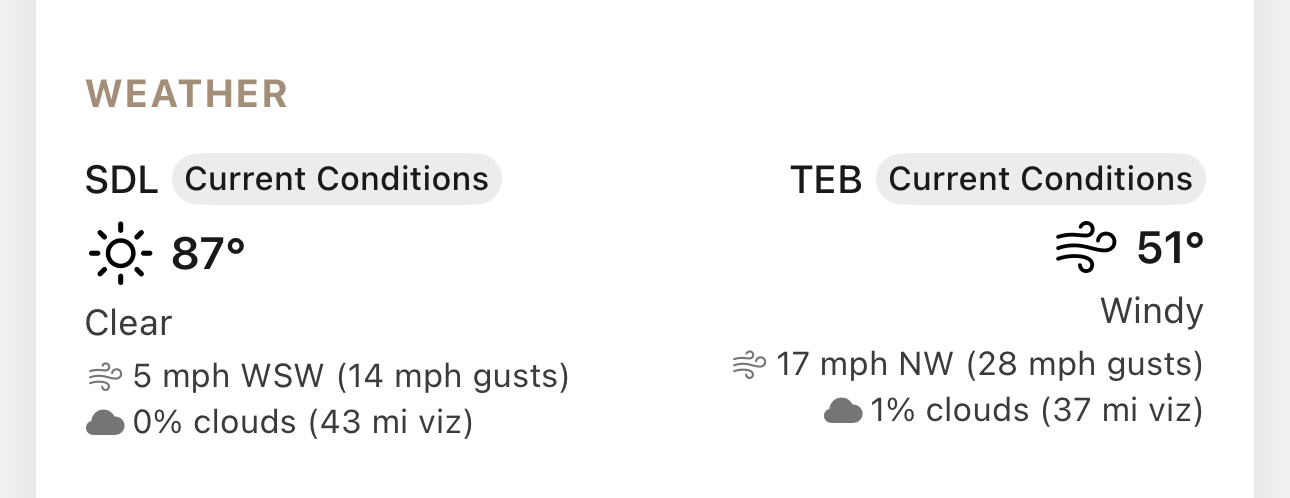
Airport Weather Conditions
Live weather at departure and arrival airports — temperature, wind, visibility, cloud cover. Know the conditions before you leave for the airport.
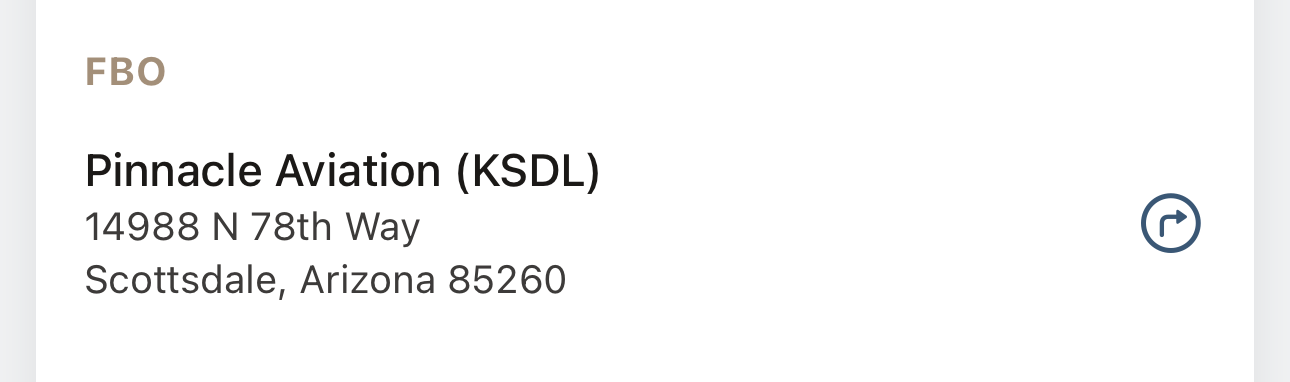
FBO Location & Directions
Your FBO with full address and one-tap directions. No more texting your EA to ask where to go.
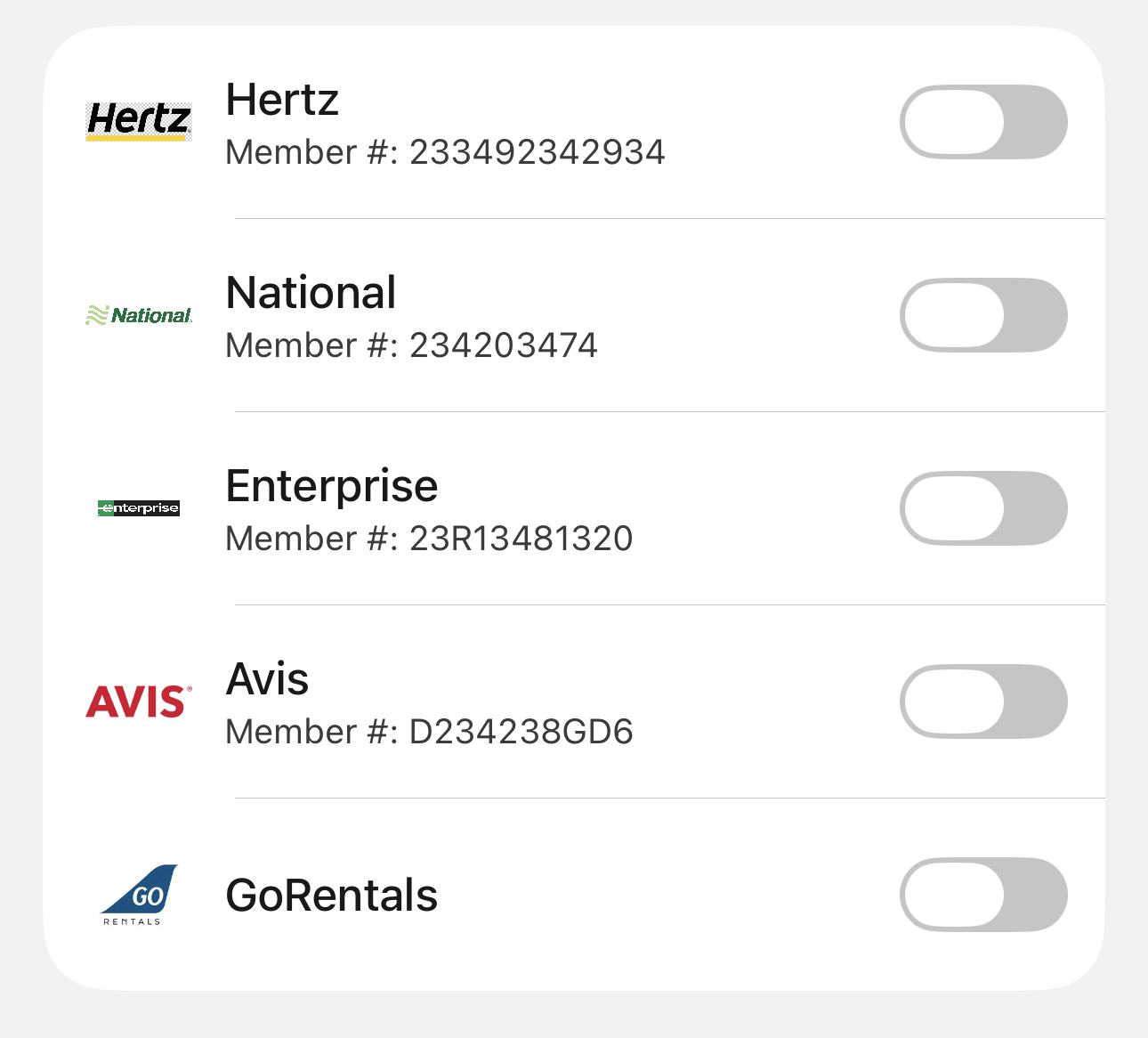
Rental Car Integrations
Hertz, National, Enterprise, Avis, GoRentals — your loyalty memberships stored and ready. Ground transport built into the flight, not a separate booking.
"One process. Every operator. Every flight. Yours."
See it live.
Book a walkthrough and see how the ea's command center works for your operation.